Work permit and PGWP processing times can help applicants plan while waiting for an immigration decision. However, choosing the correct category in Immigration, Refugees and Citizenship Canada’s official tool is essential.
IRCC’s processing-times tool includes a separate option for work permit extensions in Canada. For supported applications, the tool asks whether you have already applied and allows you to enter your application date.
This guide explains how to use the tool and interpret its results. It does not announce a new immigration policy or promise a decision within a fixed period.
Where to Check Work Permit and PGWP Processing Times
Use the official IRCC processing-times tool. Estimates can change, so check the live result rather than relying on an older screenshot or social media post.
The tool distinguishes between applications made outside Canada, work permits in Canada and work permit extensions in Canada. These categories should not be treated as interchangeable.
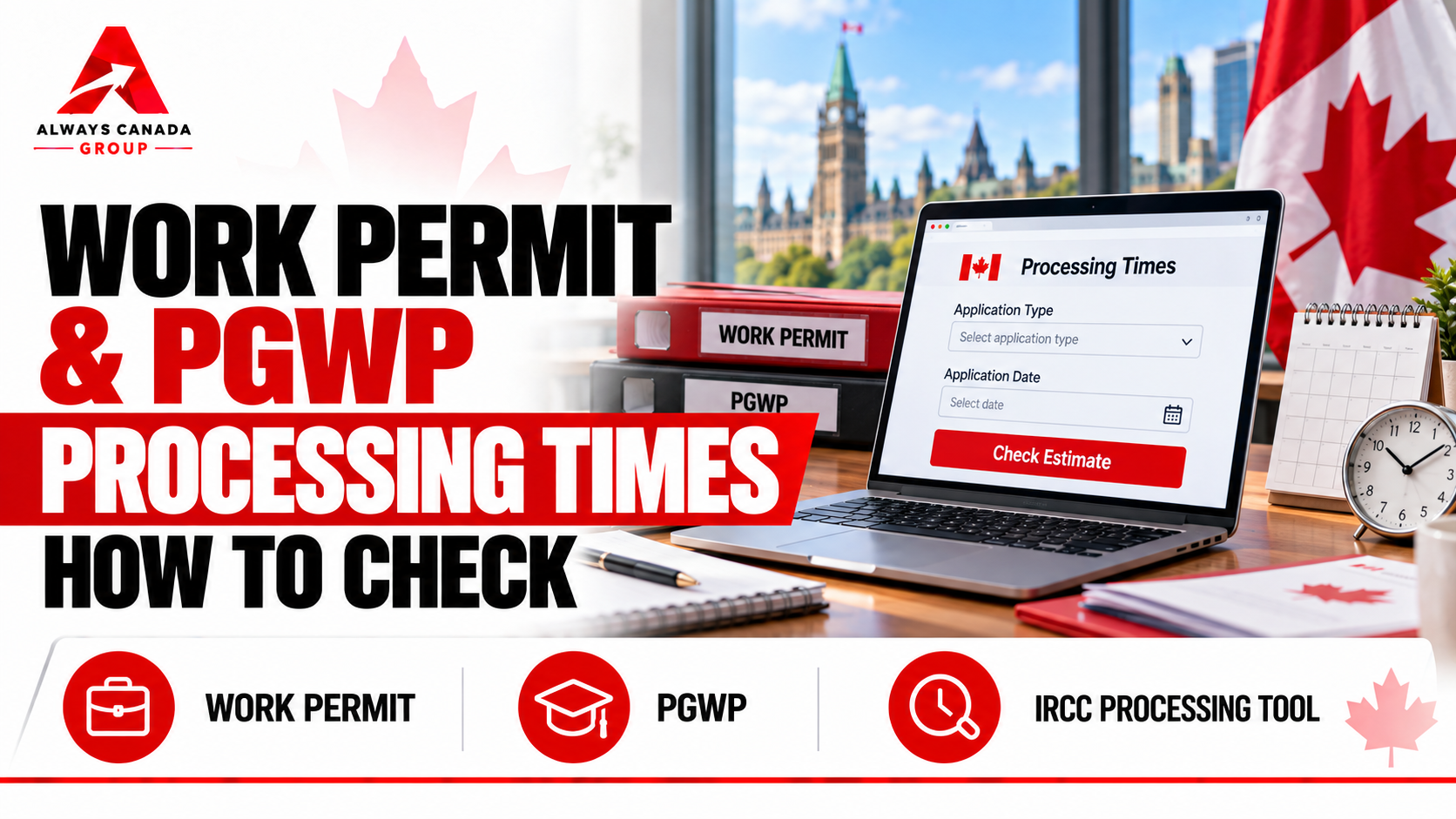
How to Use the Official Tool
- Open IRCC’s processing-times page.
- Select “Temporary residence (visiting, studying, working)”.
- Select the work permit category that matches your application.
- If prompted, indicate whether you have already applied.
- Enter your application date accurately when requested.
- Read the estimate, its explanation and any additional instructions displayed.
For an application made outside Canada, select the appropriate outside-Canada option and answer the country question. Do not use an in-Canada extension estimate for an overseas application.
Which Option Should PGWP Applicants Use?
CIC News reported on October 2, 2026, that the application-date-based estimates under “Work permit extension in Canada” also cover eligible first-time post-graduation work permit applicants applying from within Canada.
A PGWP is not simply an extension of a study permit. Follow the current instructions displayed in IRCC’s tool and your application account when choosing the processing category.
What Does the Estimate Mean?
IRCC describes processing times as estimates. They are not a maximum waiting period, a guaranteed approval date or confirmation that an application will succeed.
Where an application-date-based estimate is available, it relates to applications submitted during the relevant period. It is not a detailed assessment of your individual file.
The estimate does not establish that an officer has reviewed your documents or that a final decision is imminent.
Processing Time and Application Status Are Different
The public tool provides an estimate. Your IRCC account provides messages and information about your application.
Continue checking your account for document requests, correspondence and decisions. A change in the public estimate does not replace an instruction sent directly to you.
Why Your Application May Take Longer
IRCC explains that processing can vary according to application completeness, complexity, available processing capacity and the checks needed to verify information.
Delays can also arise when additional information is required. Respond to requests within the deadline shown in your account and keep copies of what you submit.
The Estimate Does Not Extend Your Immigration Status
A processing-time result does not extend a permit or authorize employment.
Maintained status and permission to work depend on the application submitted, its timing and the applicable legal conditions. PGWP applicants and existing work permit holders must check the rules that apply to their own circumstances.
For related student-status guidance, read Always Canada Group’s guide to study permit extensions and maintained status.
Practical Next Steps
- Confirm that you selected the correct processing category.
- Keep your application date and submission confirmation available.
- Read the explanation accompanying the estimate.
- Monitor your IRCC account for correspondence.
- Check your permit expiry and any applicable work conditions separately.
- Use official instructions if you need to contact IRCC about your application.
Key Takeaway
Work permit and PGWP processing times are useful planning estimates when you select the right category and understand their limits.
Use the live IRCC tool, follow messages in your application account and assess your immigration status separately. An estimated wait does not guarantee approval or create permission to work.
This article provides general information, not legal advice. Tool options and immigration requirements can change. Verify current IRCC instructions and obtain qualified advice about your individual circumstances.